
Triggers
Core ways to start MyBotBox workflows
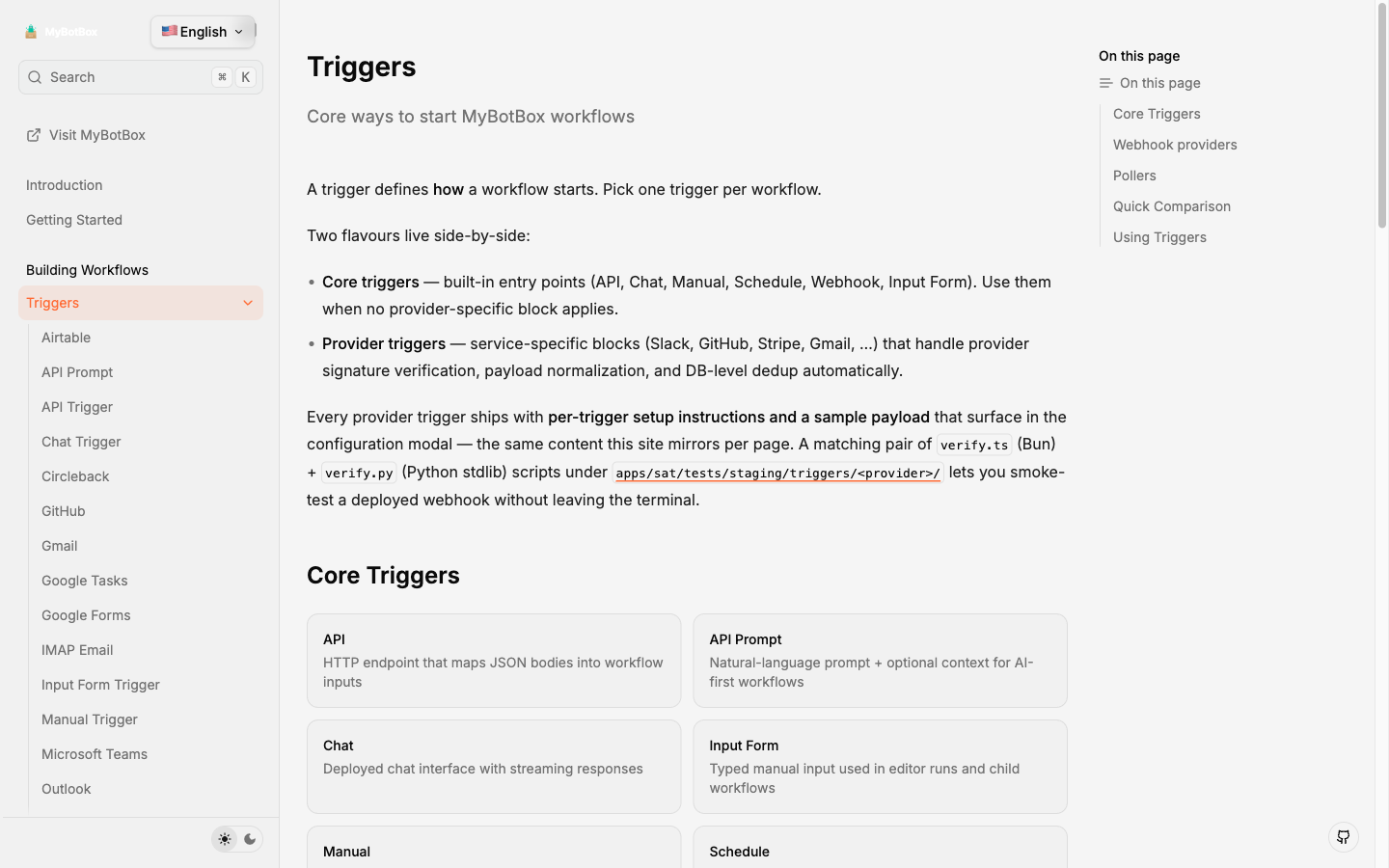
A trigger defines how a workflow starts. Pick one trigger per workflow.
Two flavours live side-by-side:
- Core triggers — built-in entry points (API, Chat, Manual, Schedule, Webhook, Input Form). Use them when no provider-specific block applies.
- Provider triggers — service-specific blocks (Slack, GitHub, Stripe, Gmail, …) that handle provider signature verification, payload normalization, and DB-level dedup automatically.
Every provider trigger ships with per-trigger setup instructions and a sample payload that surface in the configuration modal — the same content this site mirrors per page. A matching pair of verify.ts (Bun) + verify.py (Python stdlib) scripts under apps/sat/tests/staging/triggers/<provider>/ lets you smoke-test a deployed webhook without leaving the terminal.
Core Triggers
API
HTTP endpoint that maps JSON bodies into workflow inputs
API Prompt
Natural-language prompt + optional context for AI-first workflows
Chat
Deployed chat interface with streaming responses
Input Form
Typed manual input used in editor runs and child workflows
Manual
On-demand runs with no additional data
Schedule
Cron or interval based execution
Webhook
Generic inbound HTTP webhook with 4 auth modes
Webhook providers
Providers push events to a MyBotBox-hosted URL. Signature verification, replay protection, and DB-level dedup (via webhook_event_dedup, see migration 0109) are wired in by default.
Slack
Messages, mentions, and reactions from a Slack app
GitHub
Push, pull-request, issue, and other repo events
Stripe
Payments, subscriptions, and Stripe billing events
Telegram
Messages and updates from a Telegram bot
Messages via the Meta WhatsApp Business platform
Microsoft Teams
Outgoing-webhook mentions in Teams channels
Google Forms
Form submissions via an Apps Script forwarder
Airtable
Record changes in any Airtable base
Circleback
Meeting notes, action items, and transcripts
Pollers
For services without a usable push API, MyBotBox polls on a configurable cadence (5/15/30/60 min) and dedupes on a stable per-message identifier. Pollers are driven by the internal /api/webhooks/poll/dispatch endpoint, fired by Cloud Scheduler — see the triggers runbook for ops setup.
Gmail
OAuth-based polling of Gmail inboxes
Outlook
OAuth-based polling of Microsoft 365 / Outlook mailboxes
IMAP
Poll any IMAP server (Yahoo, iCloud, Fastmail, custom)
Google Tasks
Polls Google Tasks for new and completed items
RSS
Up to 100 RSS/Atom feeds per trigger with conditional GET
Quick Comparison
| Trigger | Start condition |
|---|---|
| API | Authenticated HTTP POST |
| API Prompt | Natural-language prompt over HTTP |
| Chat | Chat deployment message |
| Input Form | Manual submit in editor or parent workflow |
| Manual | Run button in editor |
| Schedule | Timer managed in schedule modal |
| Webhook | Inbound HTTP request |
| Webhook providers | Inbound HTTP request, provider-signed |
| Pollers | Internal scheduler tick + cursor advance |
Using Triggers
- Drop the trigger block in the start slot.
- Configure auth / signing secret / OAuth credential as the in-modal instructions describe.
- Connect the block to the rest of the workflow.
- Save Changes then Deploy API.
- Smoke-test with the bundled
verify.ts/verify.pyscript for that provider.
What the rendered docs look like
Captured 2026-04-27 from docs.mybotbox.com:
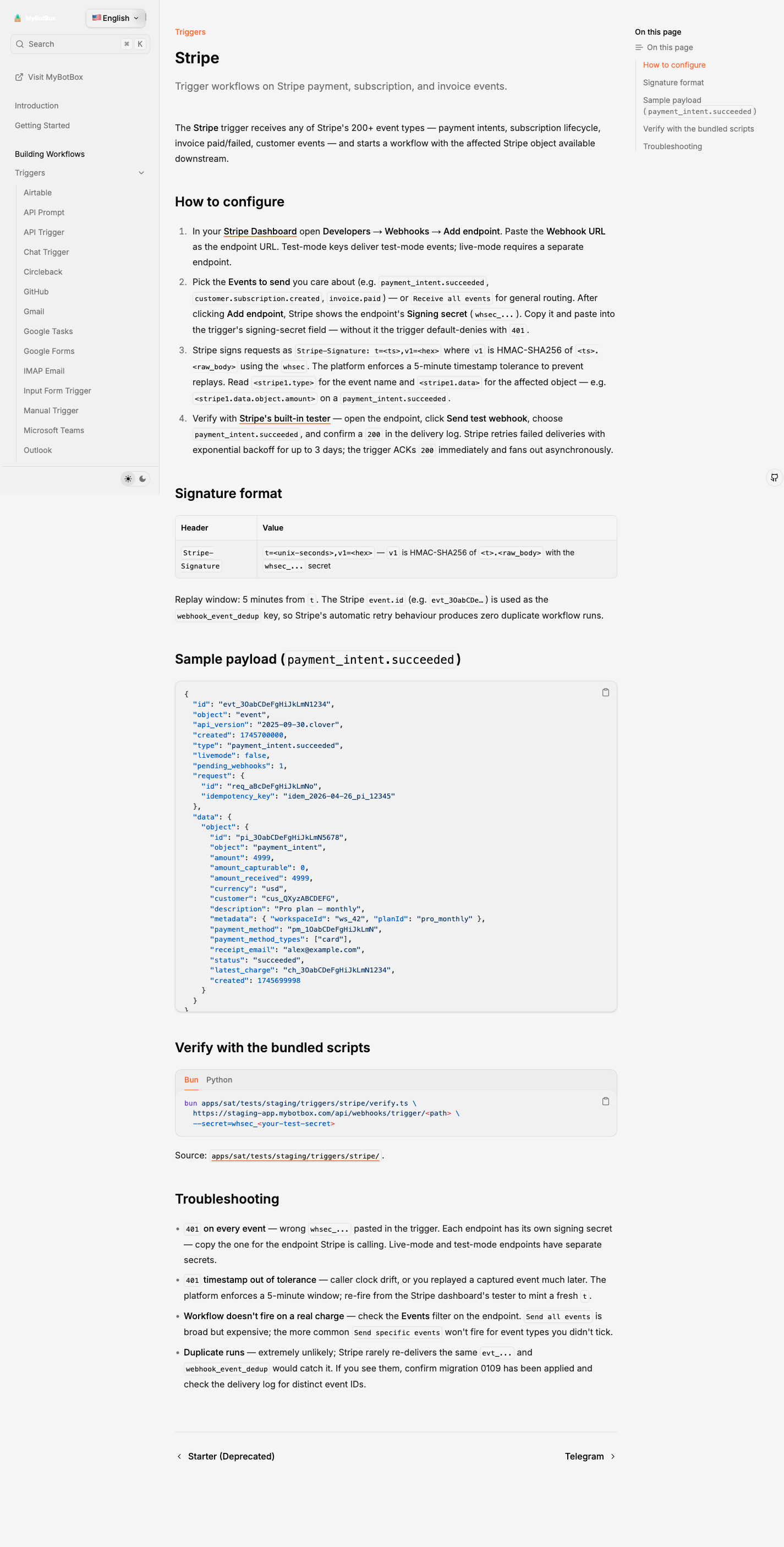
A typical webhook-provider page (Stripe):
A poller page (Gmail):
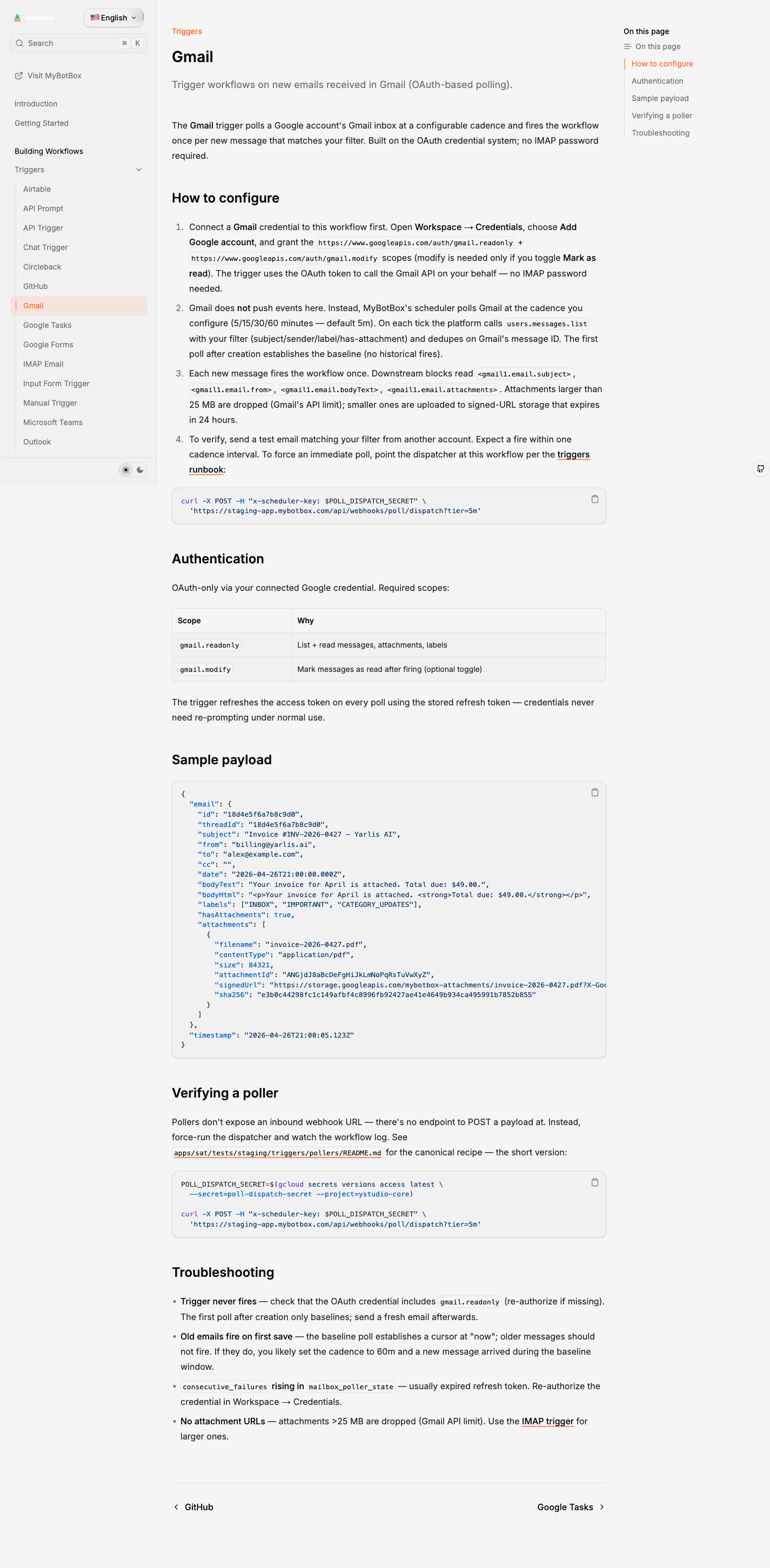
The same instructions[] and samplePayload you see here render verbatim in the editor's Configure Trigger modal — single source of truth in apps/sat/triggers/<provider>/{webhook,poller}.ts.
Deployments power every trigger. Update the workflow, redeploy, and all trigger entry points pick up the new snapshot. Learn more in Execution → Deployment Snapshots.
Legacy Starter blocks remain for existing flows but no longer appear in new builds.